
Usagi Engine
A downloadable tool for Windows, macOS, and Linux
A simple 2D game engine for rapid prototyping.
Usagi is a 2D pixel art game engine for exploring ideas quickly. It embraces constraints so that you can focus on your game. Games are coded with Lua and can be exported with a single command for Linux, macOS, Windows, and web. All code and assets are live reloaded as they change in your running game.
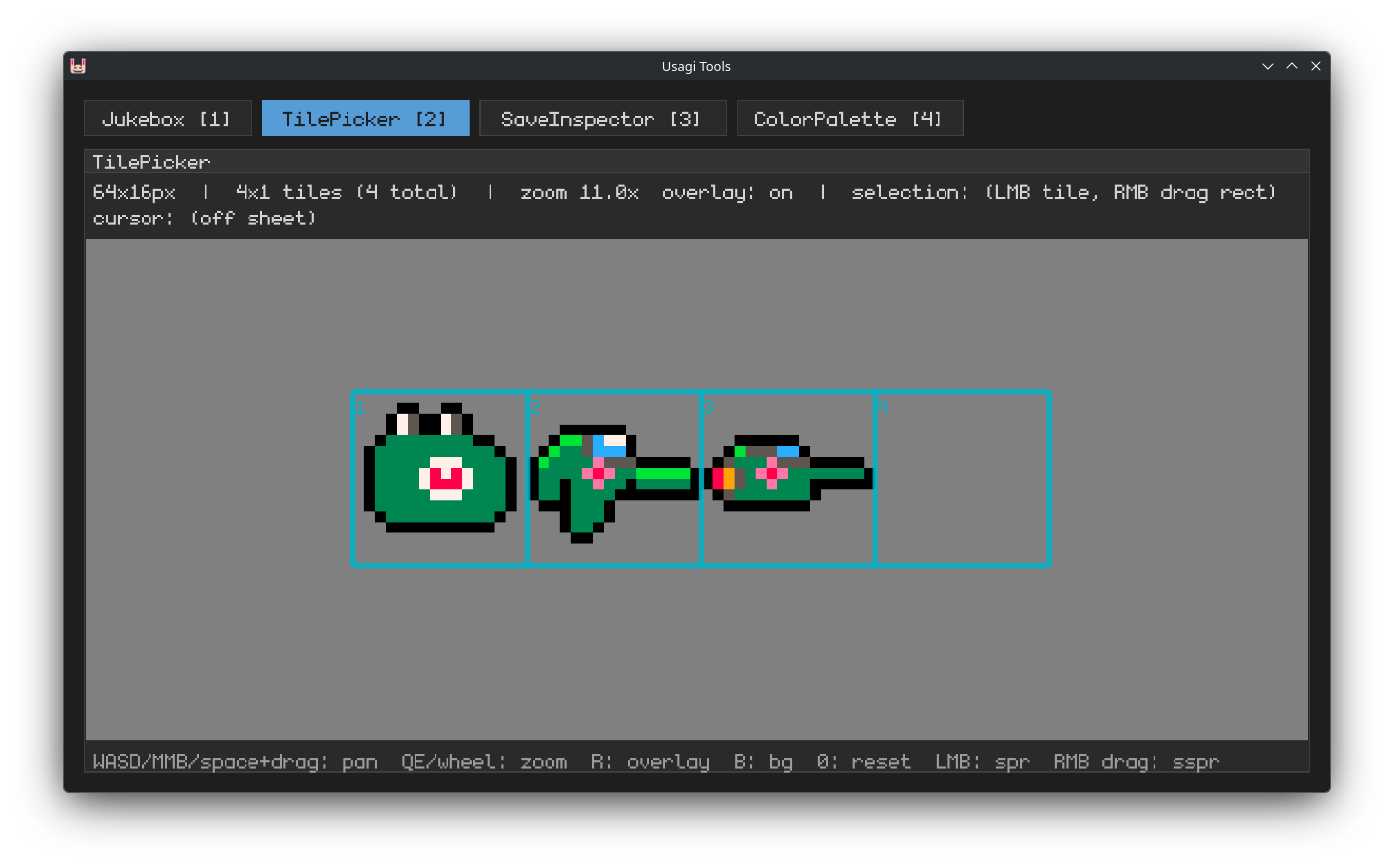
Usagi comes with some helpful dev tools like a Jukebox, Tile Picker, and Save Inspector. You bring your own text editor, sprite editor, sound effects, and music.
Usagi is free and open source software made by Brett Chalupa. Consider supporting the engine's development by purchasing it here on itch.
Install Usagi on Linux and macOS:
curl -fsSL https://usagiengine.com/install.sh | sh
And on Windows:
irm https://usagiengine.com/install.ps1 | iex
Or download from itch.io below.
Watch the quickstart guide:
Features / Bugs
Usagi embraces constraints so you can focus on exploring ideas rather than worrying about asset pipelines, save data, screen sizes, and project organization.
- 320x180 resolution with scaling; ability to set custom resolution
- Live reload of code and assets during development
- Cross-platform export with a single command to Linux, macOS, Windows, and web
- One spritesheet only — sprites.png
- Super simple save data
- Pause menu with persisted settings and keyboard input mapping
- 16x16 tiles by default with ability to render custom sizes
- Basic shape primitives
- Custom font support (but only one font per game)
- Bring your own text editor, sprite editor, and map editor
- Small API
- Alpha channel sprites
- Pico-8 color palette by default with custom palette support
- Ability to arbitrary load text and JSON data
- Helpful dev tools
Showcase
Games made with Usagi Engine:
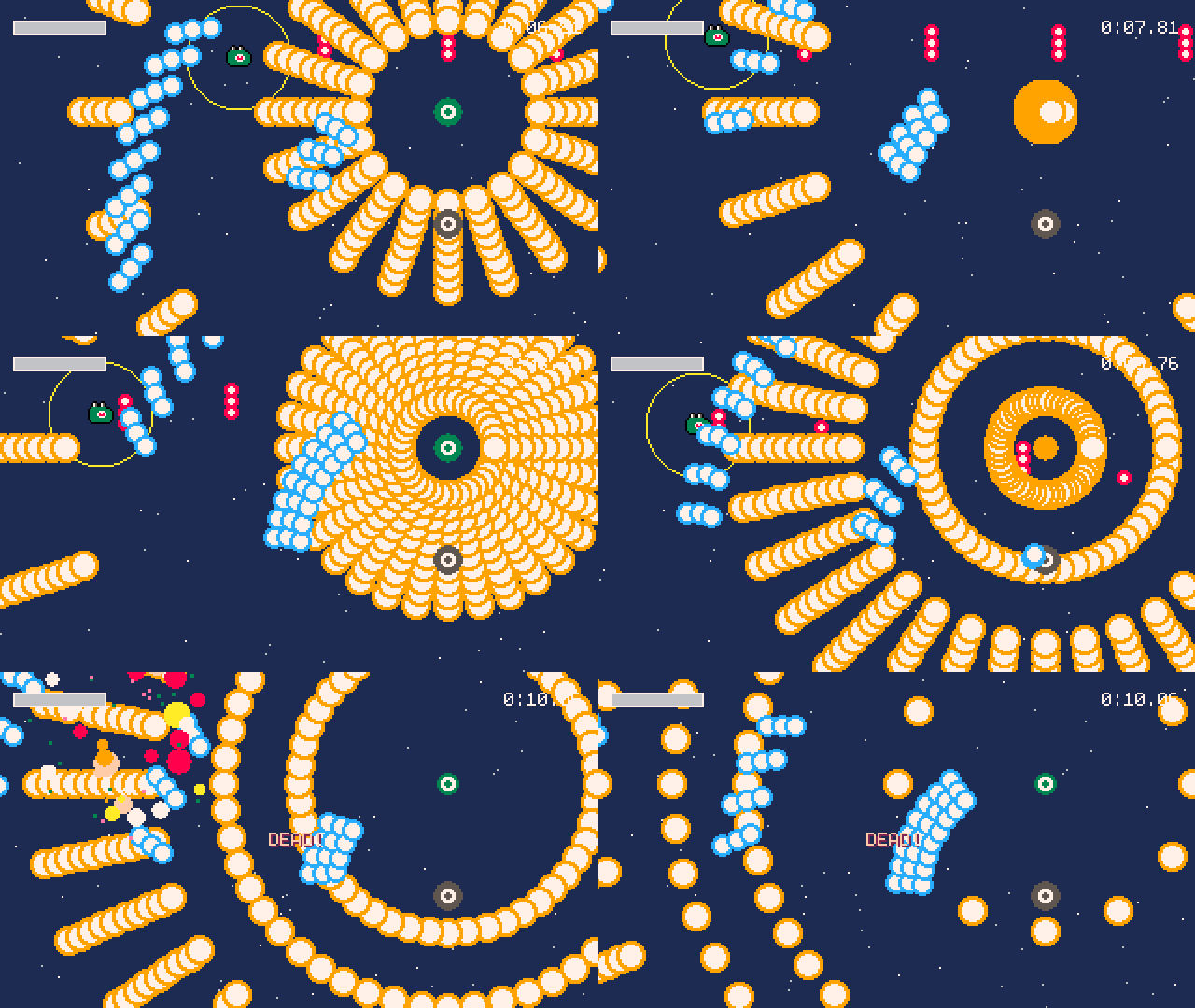
- Bomberfrog: Alpha - bullet hell shmup
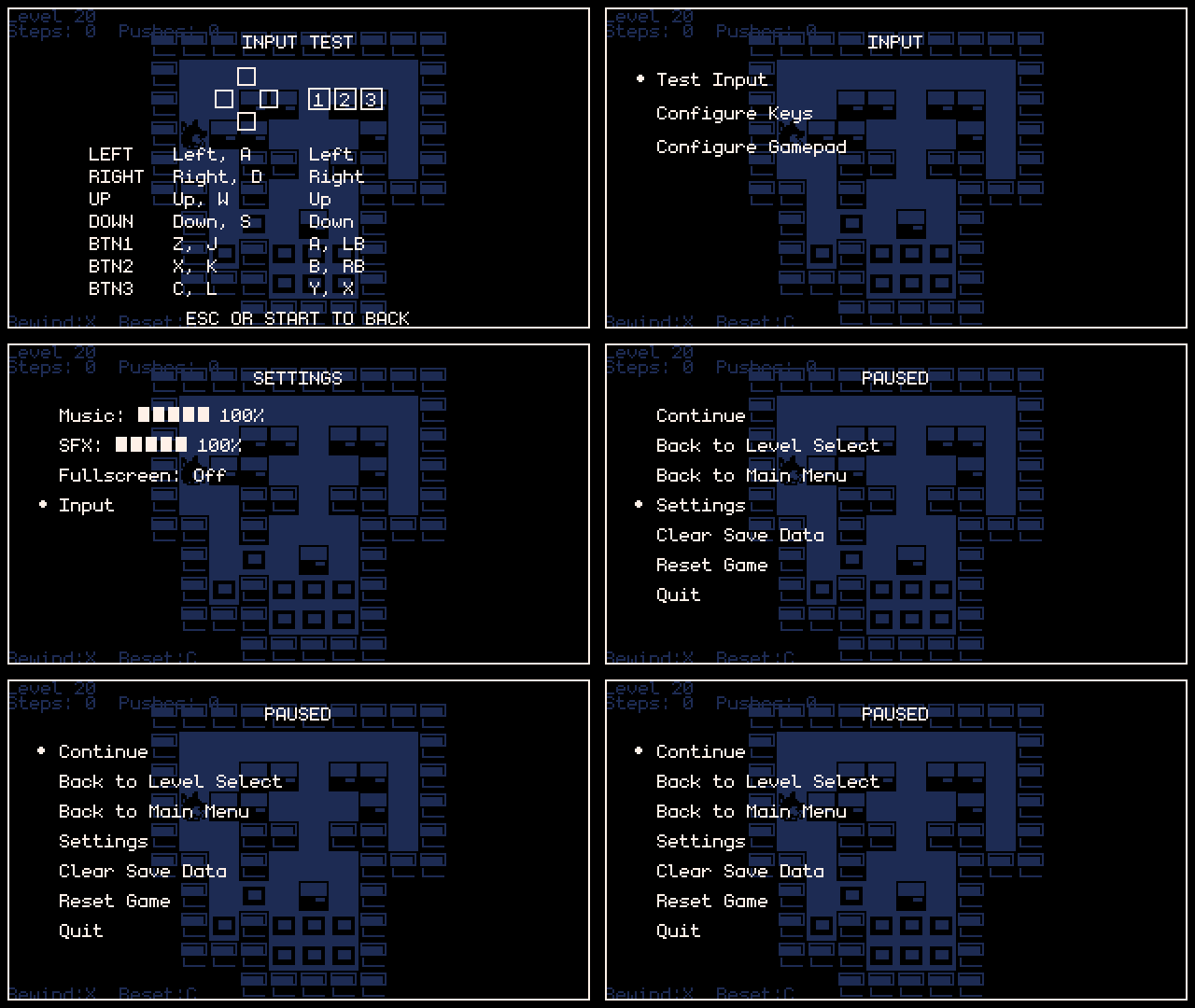
- SokoWorld - simple Sokoban game
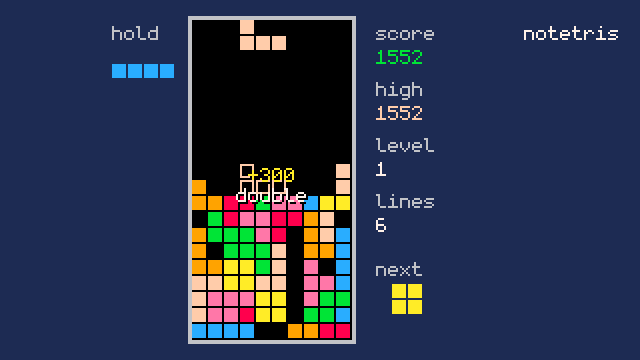
- notetris - definitely not tetris
Get Started
Download the engine below for your operating system, unzip it, and start making your game.
Then in Terminal or Power Shell run:
usagi init hello_usagi
This creates a new project.
You can then start your game in dev mode with:
usagi dev hello_usagi
Make changes to the code and the running game will live update.
Then export your game for Linux, macOS, Windows, and web with:
usagi export hello_usagi
Visit the Usagi website or read USAGI.md in your initialized project to get the full docs.
Learn More
- View more details and full docs on the Usagi website
- Read the free book
- Read through the examples
- Join the Discord
- View the engine source
- Check out games on itch.io made with Usagi
Credits
Usagi is made by Brett Chalupa and project contributors. The engine's font is datagoblin's Monogram (CC0).
(Un)license
Usagi's source code is dedicated to the public domain. You can see the full details in UNLICENSE.
Download
Click download now to get access to the following files:
Development log
- Usagi v1.3.0 Changelog4 days ago
- Usagi v1.2.0 Changelog48 days ago
- Usagi v1.1.1 Changelog70 days ago
- Usagi v1.1.0 Changelog76 days ago
- Usagi v1.0.0 Released!92 days ago
- Usagi v0.8.0 Changelog97 days ago
- Usagi v0.7.2 Changelog99 days ago
- Usagi v0.7.1 ChangelogMay 10, 2026
Comments
Log in with itch.io to leave a comment.
So far I love the engine but I think it's a bit dangerous to make people install through the powershell... especially if this is truly aimed at beginners.
They should not let ANYTHING near powershell.
Makes sense, thanks for the feedback! People who don’t want to use Powershell can just download the .exe and use that instead.
I love usagi so here is a small bug report to make it better :
input.pressed(input.LEFT)is fired with no user interaction.After pressing F5 everything is fine with or without twin USB Joystick adaptator.
The game controller is a cheap chinese one with no name if it helps.
Thank you. Continue the cool job.
Thanks for the kind words and sorry about the issue, I’m not entirely sure if this is a problem with the engine or something else, but I am working on some gamepad mapping updates for a future release, so hopefully that will alleviate the issue! If you have any more details on the controller, that’d be a big help.
The controller is a kind of cheap chinese clone Playstation controller with every usual buttons, 2 sticks plus a "mode" button like on a lot of pc compatible game controller. It's bluetooth with a switch on/off. I used it with a usb hub on an Rpi500+. It oorks on battery. There's no name on it. The problem occurs in the very begining of usagi starting. The problem doesn't occur if add code to wait a few frames before caputuring controller buttons.
Lovely engine! Thanks for all your work and for supporting it! I found out about it recently and used it to make this: https://zinja12.itch.io/tumbler
Excited to keep using it!
Thanks for the kind words and awesome game! Thanks for sharing. Let me know if you run into any issues with the engine!
Nice, but.You should expand the resolution by default, more than one spritesheet.Easy using of own palettes.What happens when in use sprites with own palettes?!?No restriction of tiles.If i wanna use pico 8, i use pico 8. I like your system but it needs more possibilities.
Having more than one spritesheet is something I’m exploring. But you can use your own palette already which is nice: https://usagiengine.com/#custom-palettes-palettepng
make a blitz2D with an IDE. You got my money
How do I make sprites with transparent pixels for non rectangle shape sprites ?
Just use the alpha value in your sprite editor for transparent pixels. Or the eraser if you’re using Aseprite. Usagi uses the built-in transparency of the sprites.png.
To use on a Raspberry Pi, would I have to compile from source like in Jared's question below?
v1.1.0, which recently released, actually has a Linux ARM (aarch64) build and export by default now, which should work on Pis. You can download that from here: https://codeberg.org/brettchalupa/usagi/releases/latest
Thanks. Got it extracted and added to path. It appears there may be some Raylib incompatibilities with Pi 5.
What’s the error? I don’t have a Pi 5 to test with but I have some ideas as to what could be going on!
Here's what I get when I try to run usagi dev on a fresh project init:
[usagi] usagi v1.1.1
WARNING: GLFW: Error: 65543 Description: GLX: Failed to create context: GLXBadFBConfig
WARNING: GLFW: Failed to initialize Window
WARNING: SYSTEM: Failed to initialize platform
thread 'main' (2549) panicked at /home/runner/.cargo/registry/src/index.crates.io-1949cf8c6b5b557f/sola-raylib-6.2.0/src/core/mod.rs:346:13:
Attempting to create window failed!
note: run with `RUST_BACKTRACE=1` environment variable to display a backtrace
Aborted
Thank you so much, this is just what I needed to see! I’ll work on getting this fixed in Usagi v1.2.0. Here’s the issue in the tracker: https://codeberg.org/brettchalupa/usagi/issues/38
I like it a lot but I didn't figure out where to download thé manual from.
Best place for info is probably the github site. Also when you create a project via `usagi init` you can have a look at meta/usagi.lua which is very well documented. The github has a lot more info and example projects though.
Very excited to build something with this but can't run it on my mac as I am on x86_64. I get 'bad CPU type in executable'. Is there any way we could get a binary for this architecture?
Right now there isn’t a build for Intel Macs, but I recently made some changes to allow other targets, like Intel Macs, FreeBSD, etc., compile the engine and export games for it. Your best best would be to compile the engine from source: https://github.com/brettchalupa/usagi - here are the docs on how to do that: https://github.com/brettchalupa/usagi/blob/main/DEVELOPING.md#dependencies you essentially just need to install Rust and then run
cargo build --releaseand that will generate you anusagibinary you can use.Thanks to your directions, I got it built and working! Thanks! : )
Is there a feature to make custom main menu or disable it completely to make a custom one, not just add a few sections?
Yes, you can disable the Pause menu completely. In the
_config()table, setpause_menu = false.This engine is super lightweigh/simple and fun to use! I especially love the hot-reload and one-command-export capabilities (these features should be mandatory for any modern engine) My only concern so far is that you cannot overwrite the sprite-sheet during runtime. (Or am I missing something?)
Why would you want to overwrite the sprites during runtime? Understanding your use case would help me evaluate if that’s a good fit for the engine or not.
I have been thinking about a game like Worms, with terrain destruction. The terrain would be kept on the sprite sheet and would be drawn with the sspr function. I can check for collision with the get_spr_px function, but I cannot make changes to the terrain, because there is no set_spr_px function.
I have made a similar game for PICO-8 and it allowed me to remap the screen and sprite sheet addresses in the drawing state, so I could manipulate the sprite sheet during runtime.
Could you use
gfx.pxinstead to draw the pixels? Here’s an example that shows how to re-render a sprite pixel-by-pixel, which i think should allow you to do what you’re looking for: https://codeberg.org/brettchalupa/usagi/src/commit/cd7822d9dd26aac9ea01c970aa5ca90dac58cc4d/examples/px.lua#L70-L83This is the best game engine ever. it is easy as hell
I'm a professional game developer and love the simplicity and speed of Usagi. So much fun!
I cannot properly express my love and appreciation of a piece of software that not only comes out of the gate with rich documentation but also bundles it with its installation; you don't even need web access to debug.
Looking forward to working with this
Thanks, I’m really glad to hear that! It was really important to me that everything needed be included (Lua autocomplete files, the docs, etc.). Excited to see what you make!
Love this. Pico-8 has a great constrained vibe, but sometimes it feels too strict. Love2D gives you tons of freedom, but it can also feel like you have to build everything yourself. This feels like a really nice middle ground :3
Looks great, I will try to do something with it soon jeje
Played with it a bit today and it is awesome! Congrats.
Thanks for trying it out and the kind words!
This looks so cool! cant wait to try it out!
Thanks! Hope you enjoy making games with Usagi.